

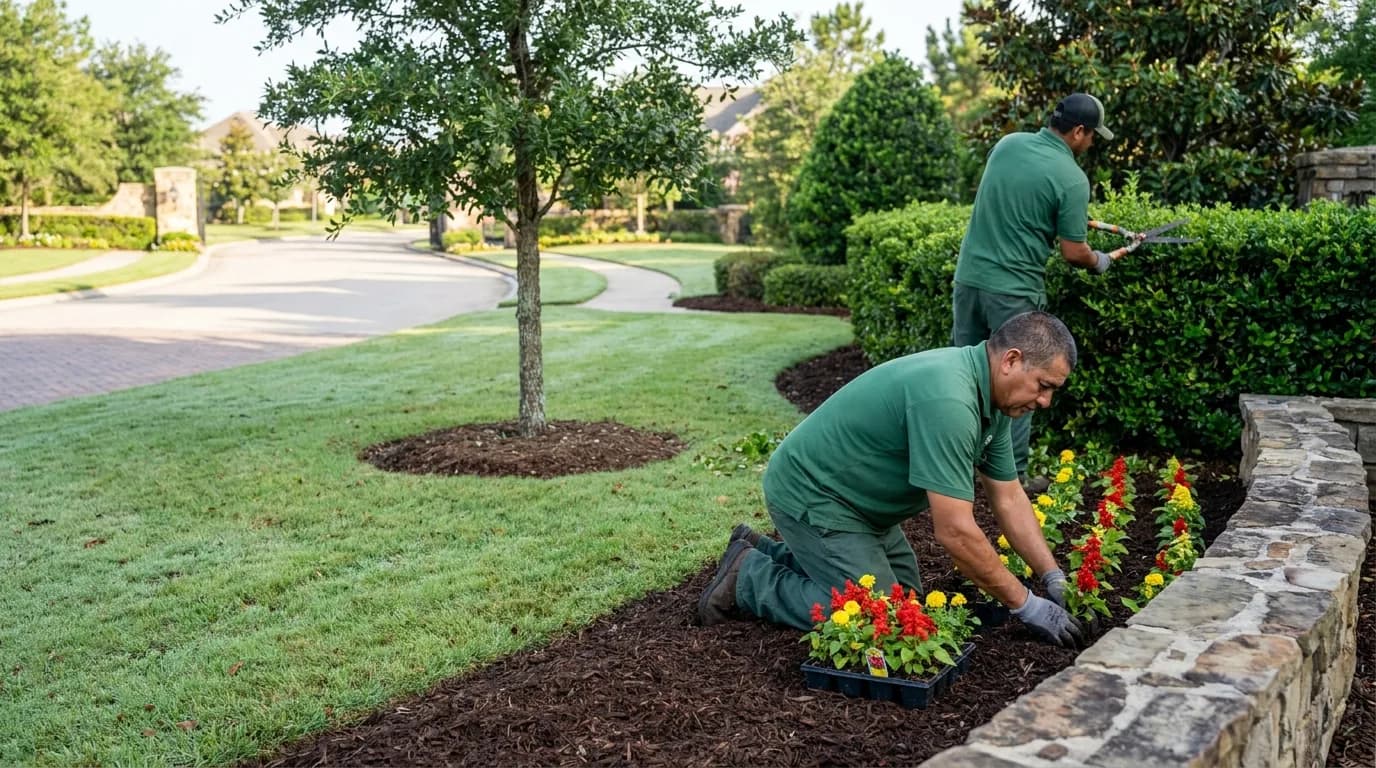
Maintenance and repairs, tracked from request to approval.
Fences, lighting, signs, walkways and the other small jobs a community collects. Each one is a work order with a report.
What a visit includes
- A work order for every visitThe work order moves from dispatched to on site to awaiting approval, and you decide it when the vendor says it is done.
- Photos on the recordRead the photos and notes before you approve the work.
- Insured vendors onlyA vendor needs a current general liability certificate on file to propose.
- Invoices that link to the visitEach invoice line points to the visit it bills.
See what the vendor files after a job.
The report shows who came, when they arrived and what they did.
- Arrival
- Recorded when the vendor checks in
- Work done
- Entered by the vendor
- Open issue
- Flagged to your manager if any
Photos of the finished work attached
Before you bring it to the board
What boards ask us first.
What does it replace?
It replaces the certificate folder, the email chain and the group text. Your vendors’ reports, invoices and insurance live in one place.
Who holds the contract?
You do. You read the proposals side by side, pick one, and sign with that vendor yourself.
What happens when a company’s insurance lapses?
Your board gets an email fourteen days before it expires. From the next day, that vendor cannot propose at your community until it renews.
How does the board vote on a proposal?
Put the proposals to a vote from your dashboard. Each board member gets a secure ballot link. The tally is ready when the vote closes.
Do we have to switch vendors?
No. Invite the vendor you already use. They join for free and file their insurance.
What does it cost the association?
It is free for one community, with unlimited RFPs. You pay each vendor its own price. Sales tax is its own line.
Can the manager run it instead of the board?
Yes. A manager can run every community. The manager sets what each board member can see.
What do the vendors get out of it?
A schedule for their crews, a crew app built for check-ins and their own invoicing. All free to join.
What counts as maintenance?
Small repairs and upkeep across your common areas. Trades with their own credentials, such as pest control and HVAC, have their own pages.
Do we have to use a new vendor?
No. Invite the handyman or repair company you already use. It joins for free and files its insurance.
Who approves the work?
You or your manager approve a job after reading the report. Bigger jobs can go to a board vote.
Keep every repair on the record.
Create your community and put the next job through a work order.