Your RFP, written from what you already have.
Turn your map and your files into a polished RFP.
Scope
Schedule
Insurance minimums
Site
Submission
How it works.
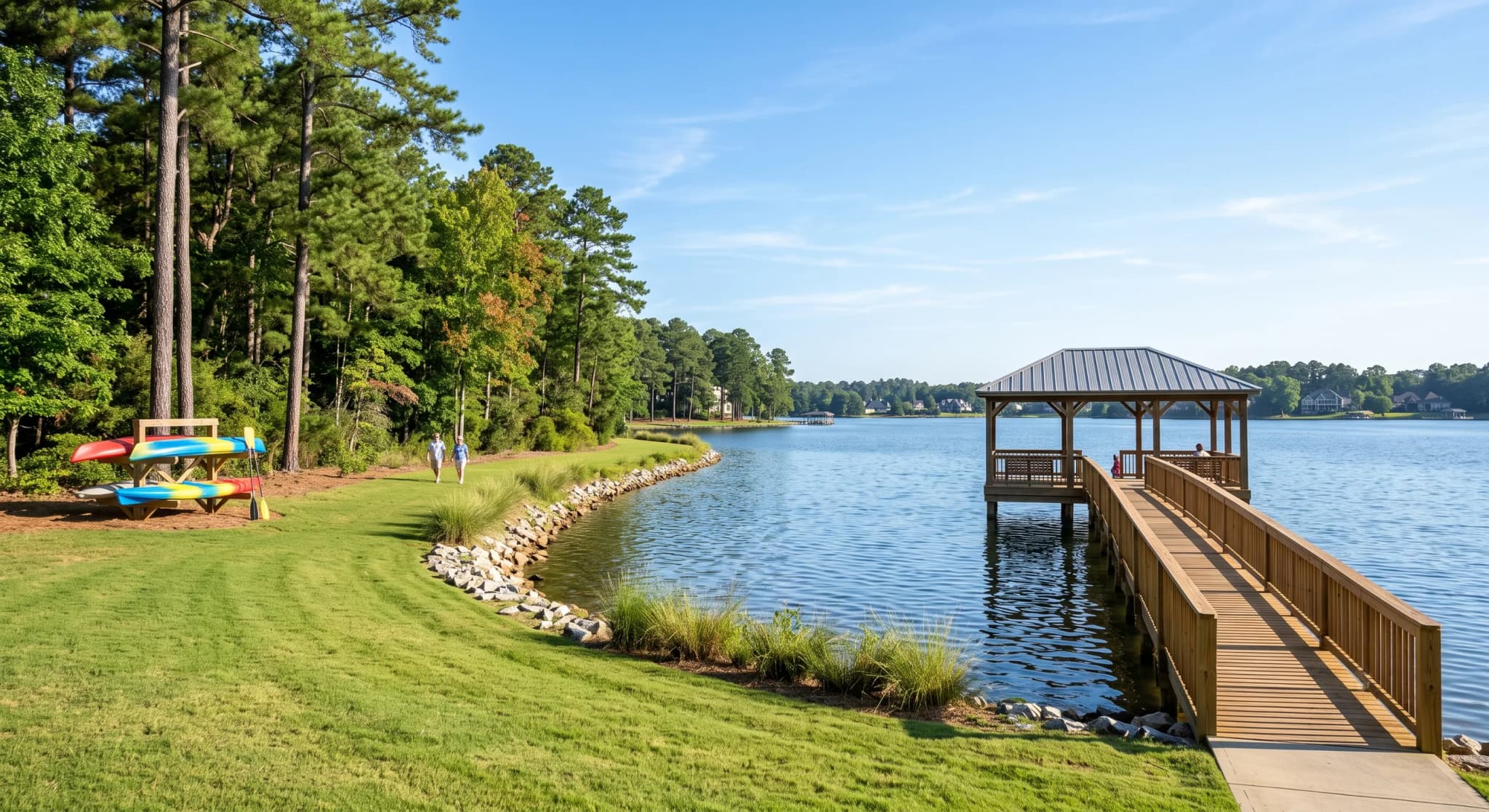
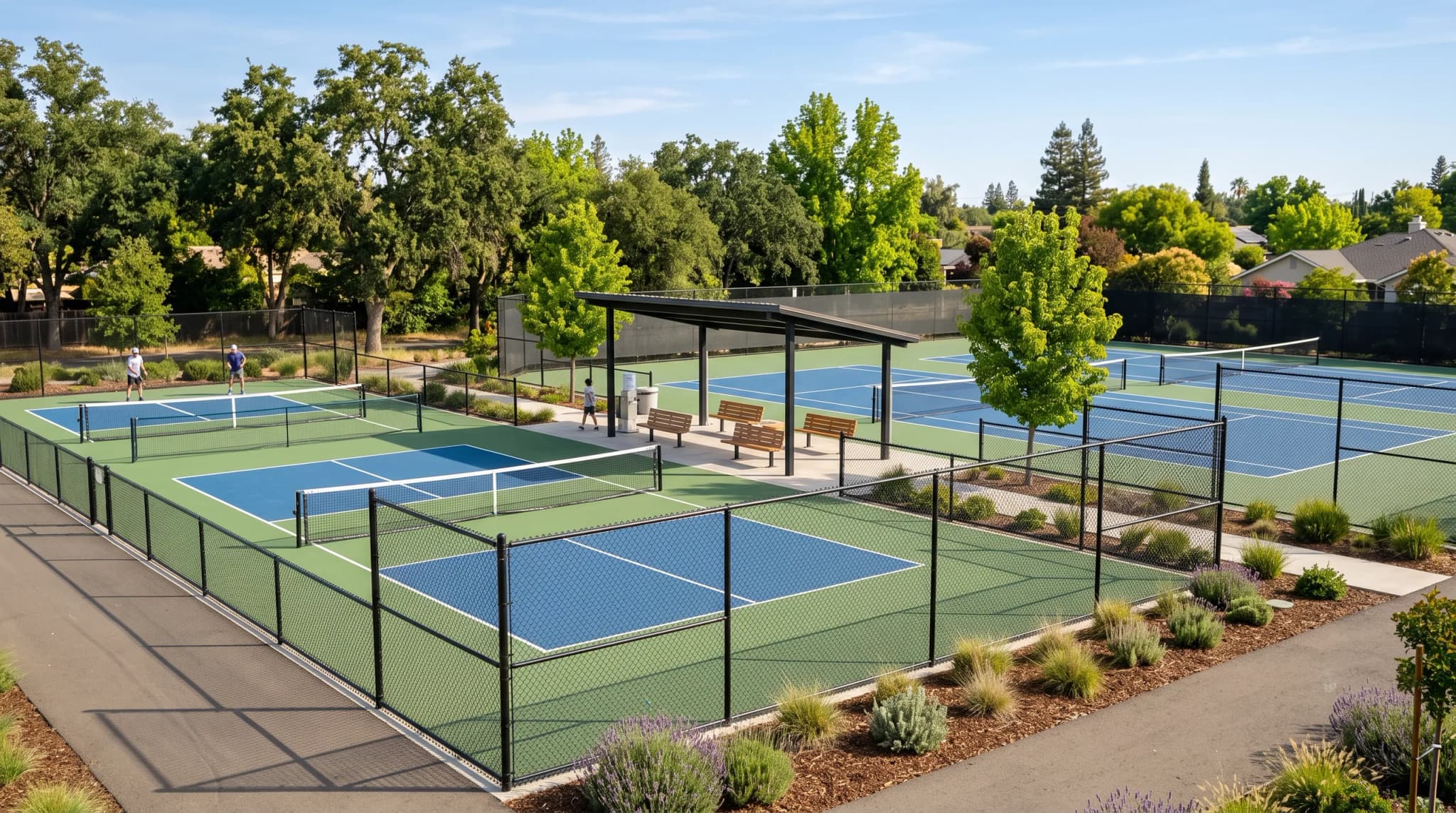
Sources
Build
Send
Pricing.
You need an account to generate. Payment is asked at the end. HOAcrew+ subscribers pay nothing.
Free
$0 a month
200 credits a month
- Write and edit documents
- Attach photos, PDFs and the site map
- Send an RFP for 100 credits
Studio
$16 a month
2,000 credits a month
$160 a year- Everything in Free
- Credits roll over
- Send an RFP for 100 credits
Frequently asked questions.
Do I need an account?
You need an account to generate. Payment is asked at the end. HOAcrew+ subscribers pay nothing.
What can I add?
Photos, PDFs, your bylaws, any RFP you already have and the site map you draw.
How does the acreage work?
You draw your property on the map. RFP Studio gives you an approximate acreage or square footage for the RFP. Vendors confirm it when they walk the site.
How do credits work?
Free: 200 credits a month. Studio: $16 a month or $160 a year with 2,000 credits. Credits roll over for 3 months. A top-up of 500 credits is $5. You get an alert at 75% and 90% of your credits. At zero credits it stops and asks before charging.
Do I need HOAcrew?
RFP Studio is included in HOAcrew+. It also works without HOAcrew.