

Every request, work order and visit in one place.
Ask for work, follow it to the end and open the report for every visit. One calendar shows who is coming.
Visits
Example Community HOA · this week
Visits
Newest firstOpen flag
Pool serviceVisits
Example Community HOA · this week
Visits
Newest firstOpen flag
Pool serviceFrom the first request to the finished visit.
Everything a vendor does at your community leaves a record you can open.
Send a request to the person who can act on it.
A request goes to your community manager first. A self-run community sends it to VendoRFP instead. Every request stays on your Requests page with where it stands: pending, approved or declined.
- Managers get an inboxA manager reads and answers requests from every community they run in one list.
- More than repairsRequests cover asking for a proposal, getting support and engaging a vendor.

Follow a work order from dispatch to approval.
A work order moves through the same steps every time, and you decide it once the vendor says it is done. The work order carries the visit photos you read before you approve.
- The vendor moves it forwardIt accepts, dispatches, arrives and completes. Its company decides which crew member takes a stop.
- You decide the finished workApprove or decline a work order once it is awaiting approval. Earlier steps belong to the vendor.
- Show the exact spotDrop a pin on your community map, and your vendor sees the exact spot on the work order.

One calendar for every company that serves you.
One calendar for every trade at your community. Add it to Google Calendar, Outlook or Apple Calendar and the visits appear beside your own events.
- Mowing, pool service, porter days and staffingEach company’s recurring and one-off visits appear on the same schedule.
- Paused when a vendor is heldIf a vendor’s insurance lapses, its schedule pauses until the hold is released.
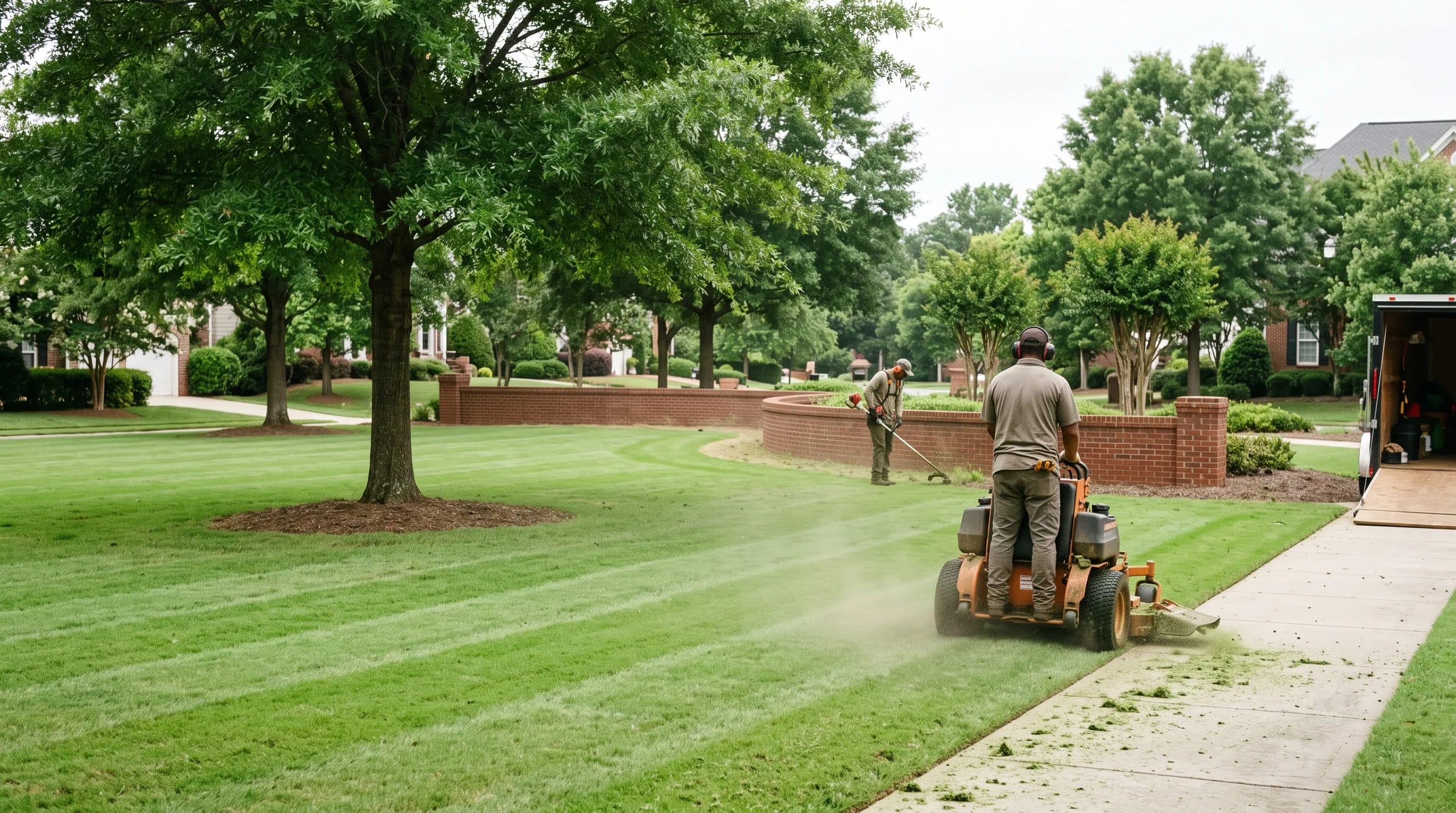
Every visit has a full report.
Vendors check in on site with a photo, so you see who came, when, and what they did. Open a report to see its photos, its checklist and what happened next. Print or save any report as a PDF.
- The arrival is on the recordThe time is recorded before any work starts.
- A flag instead of a phone callFlag a problem on any visit. The photo and the note go to your manager, and the flag stays open until it is marked resolved.

| Status | Who moves it | What happens |
|---|---|---|
| Waiting to be accepted | The vendor | The work order is with the vendor and has not been taken. |
| Dispatched | The vendor | The vendor’s company assigns a crew member to the stop. |
| On site | The vendor | The crew member checks in on arrival and files photos as it works. |
| Awaiting approval | You | The vendor says it is done. Read the report and the photos. |
| Approved or declined | You | Your decision. Earlier steps are the vendor’s. |
Run the day from one route.
Your crews work from the same visits the community reads.
Every stop on today’s route across every community.
Each crew sees today’s stops across every community you serve. Each stop has its address, and one tap opens directions in the phone’s maps app.
- One route across communitiesStops are ordered by time, with the street for each one.
- Finish the visit before you invoice itA visit filed without its photo goes on a list of photos you still owe. Add them before you send the invoice.
Today’s route
Monday · five stops
Stops
MondayYour documents
Shared with every communityToday’s route
Monday · five stops
Stops
MondayYour documents
Shared with every communityYour crew’s day in one app.
One crew app built to cover every trade you work, with a photo check-in on arrival. Each crew member opens today’s stops and checks in with one tap, and so your prices and invoices never show on a crew login.
- Add a personName and email, from your company account.
- Send the linkYou get an invite link to send each employee. Built so their login opens on today’s stops.
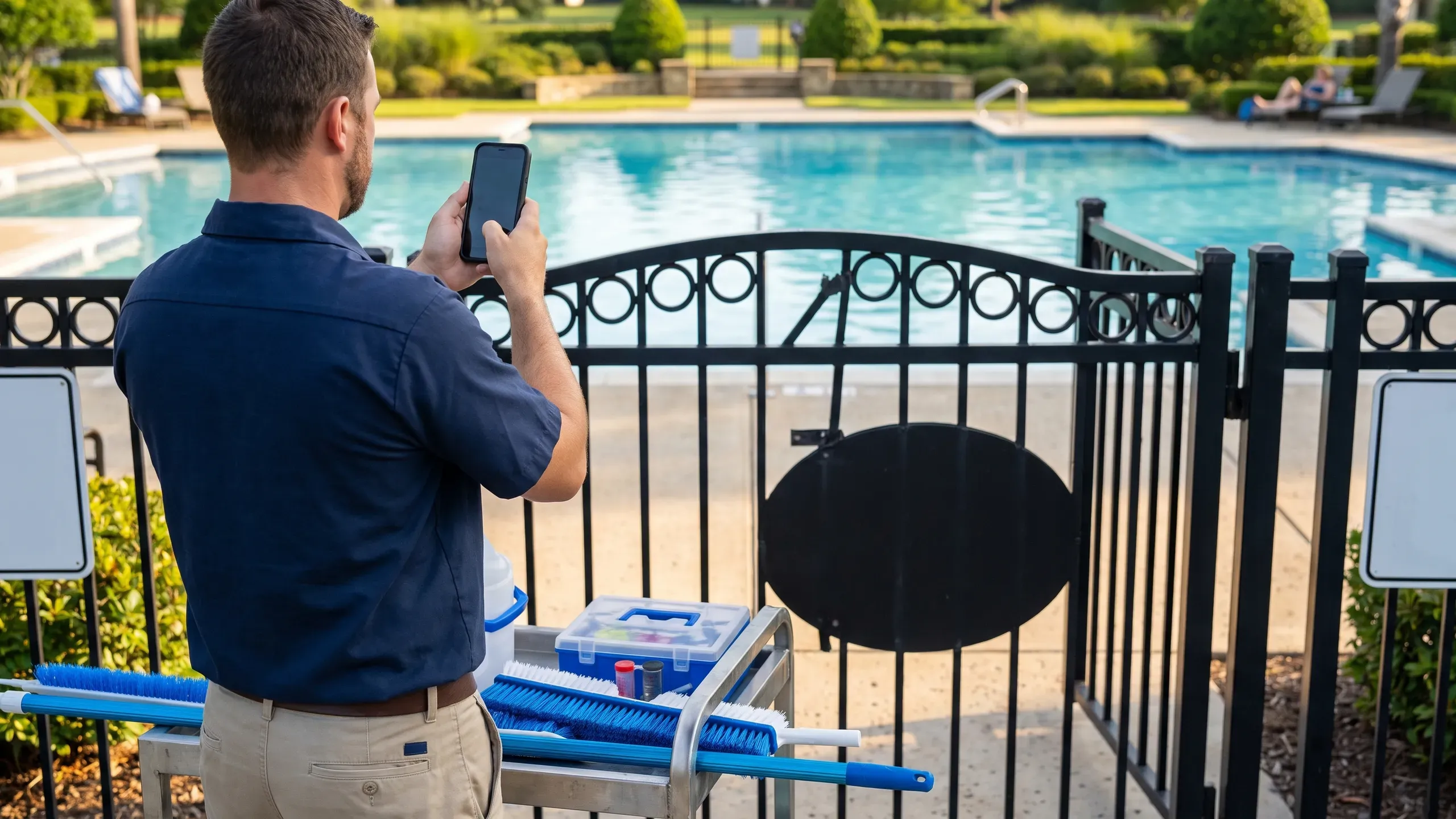
Questions about visits
Who approves a work order?
You do, once the vendor marks it awaiting approval. Every earlier step belongs to the vendor.
Where does a request go?
To your community manager. A self-run community sends it to VendoRFP instead. It shows its status on your Requests page until it is handled.
What happens to the schedule if a vendor’s insurance lapses?
The vendor is placed on hold, its schedule pauses and its arrivals and completions are refused until the renewal is verified and someone at your community releases the hold.

See every visit at your own community.
Start free with one community. Your first report arrives the day a vendor checks in.