

Vote at the clubhouse or on a phone.
Each board member gets a ballot link that opens their ballot once they sign in, on a phone, a laptop or a tablet. The tally is counted for you.
Pool service award
Example Community HOA · closes Friday
Proposals under vote
Same scopeBoard ballots
Five membersPool service award
Example Community HOA · closes Friday
Proposals under vote
Same scopeBoard ballots
Five membersDecide together and keep the record.
Use it when the board picks the vendor. When one person decides, skip the vote.
Each board member votes from their own account.
The community invites each board member, and their ballot link opens the ballot once they sign in. A member signs in, picks a proposal or abstains and reviews the choice before it is recorded. Each vote counts once, in that member’s name.
- Sealed until the vote closesIndividual ballots stay hidden until the vote ends.
- The rule is set firstThe decision rule is fixed before the vote starts, and quorum is counted for you.
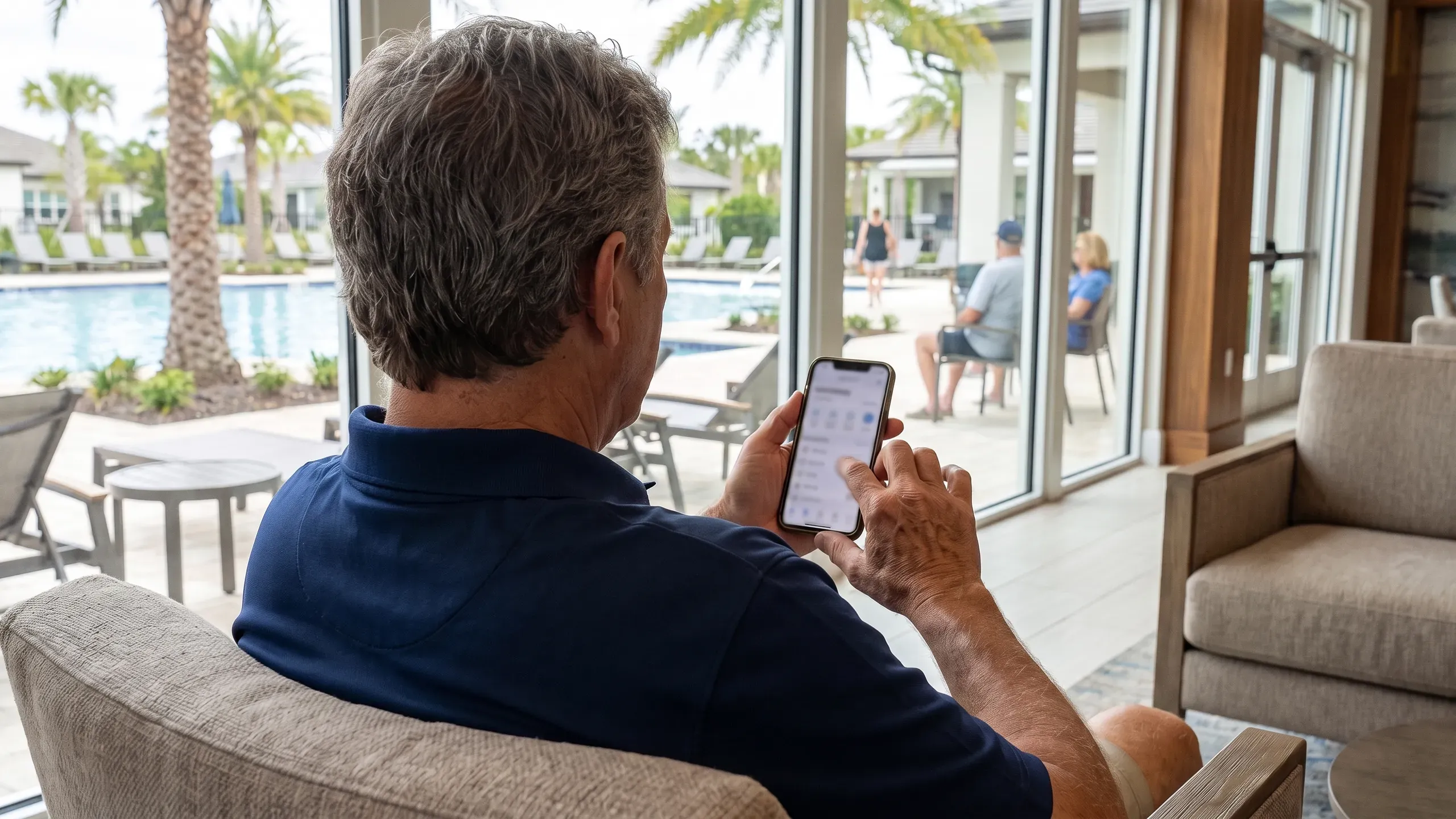
Vote in the room or from anywhere.
The ballot opens in any browser, so members can vote at the meeting or before it. Nothing is installed.
- Watch the countSee how many ballots are in as they arrive. Individual ballots stay sealed until the vote closes.

The outcome is kept with the proposals.
The tally and the outcome are filed beside the proposals that were voted on, so the record is ready for your minutes.
- Counts, quorum and outcomeThey come from the same tally your dashboard uses.

How a vote runs.
Three steps, from the proposals to the filed record.
Choose the proposals and the rule
Pick the proposals that go to the vote and set how a decision is made.
Send each member their ballot link
They sign in and vote on whatever device is in their hand.
Close the vote and file the record
Watch the count fill in as ballots arrive, then close the vote.
Prefer paper for now?
Four printable forms for a vote between competing proposals: a comparison sheet, a motion and roll-call record, a conflict-of-interest disclosure and a written-consent form. Free, and filled in entirely in your browser.
Questions about voting
Does a board member need an account?
Yes. The community account owner or its manager invites each board member, and accepting the invite sets up their sign-in. Each vote then counts once, in that member’s name.
Can anyone see how I voted?
Individual ballots stay sealed until the vote closes.
Who sets the decision rule?
You do, before the vote starts. Quorum is counted for you.
Who can vote?
Board members, each from their own account. A management company sets votes up and invites the board, and does not vote itself. When one person decides, no vote is needed.

Run your next vote from a phone.
Set up your community, invite your board, and send each member their ballot link.