

One place for every vendor, visit and invoice.
Map your community, send one RFP, then follow the work from the first request to the last payment. The vendors you hire work in the same system.
This week
Example Community HOA · four companies on the schedule
Today
MondayWaiting on you
Three thingsThis week
Example Community HOA · four companies on the schedule
Today
MondayWaiting on you
Three thingsFor communities: everything in one login.
Pick a part to see how it works. Each one has a page of its own.
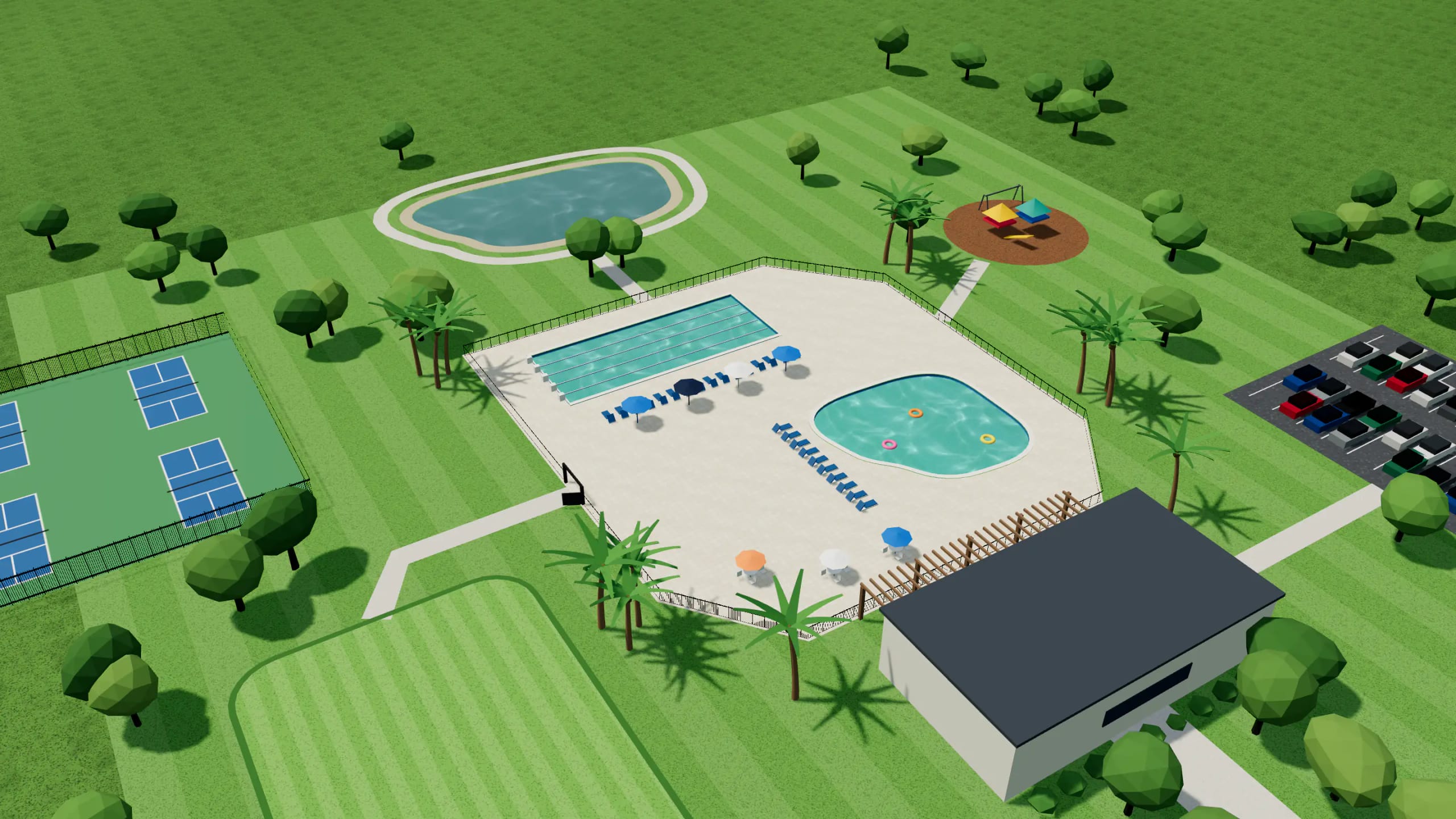
See your whole community and its amenities at once.
A full 360 of your community: the visits at each place, who is coming this week and what is due.
- Every amenityPools, courts, clubhouses and gates each show their own visits.
- Each visit on the 360Every vendor visit appears on your community’s 360 view.
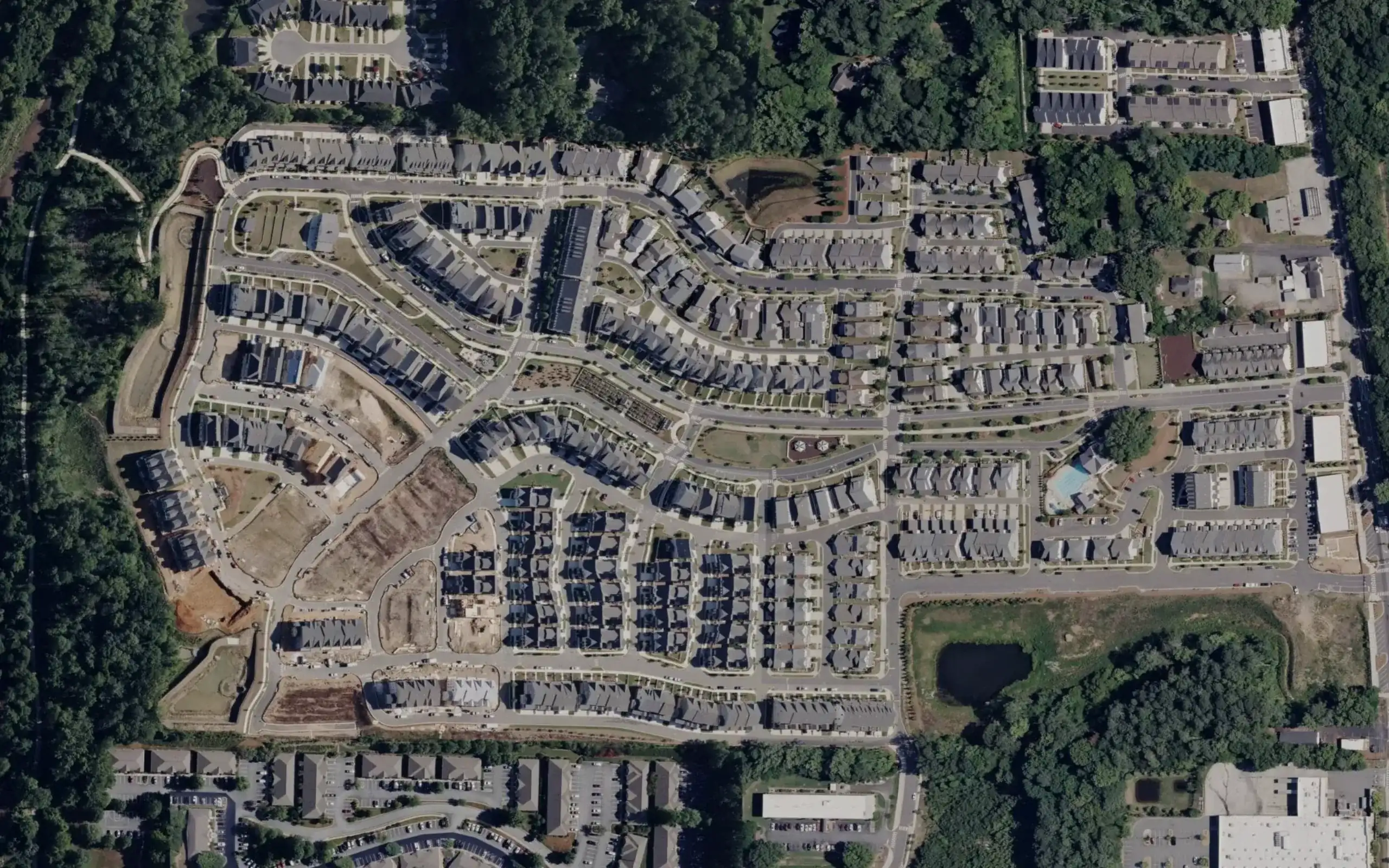
Draw your community once and every vendor starts from the same map.
Trace your common areas on a satellite image. Your RFP carries an approximate acreage, and each vendor confirms it on its walkthrough.
- You draw the boundaryA manual draw is always available.
- The figure is an estimateIt comes from your drawing. It is not a survey.
| Part | For a community | For a vendor |
|---|---|---|
| RFPs and proposals | Send one RFP and read every proposal side by side. | Find open RFPs near you and answer them with your documents attached. |
| Vendor compliance | See every vendor’s insurance and credentials with a date on each. | File your documents once and use them in every community you serve. |
| Work and visits | Follow requests and work orders, and open a report for every visit. | See today’s stops across every community and file each visit. |
| Money and invoices | Approve invoices with the visits that back them. | Invoice in your own name and see when it is paid. |
| Votes and decisions | Put proposals to a board vote. Each board member votes from their own account. | Nothing to do. This part is for the community. |
Vendors work from the same system.
A vendor sees its own side of every part, and the community sees the result.
Your route, your documents and your invoices on one screen.
Each crew sees today’s stops across every community you serve. Your insurance and credentials are filed once. Send invoices to the community and see when they are approved and paid.
- Free to joinJoining costs nothing, and opening an RFP costs nothing.
- Your priceEach vendor sets its own price after reading the scope.
Today’s route
Monday · five stops
Stops
MondayYour documents
Shared with every communityToday’s route
Monday · five stops
Stops
MondayYour documents
Shared with every communityFive parts and the integrations around them.
RFPs and proposals
Draw your community, send one RFP and compare every proposal side by side.
Vendor compliance
Insurance and credentials, read by a person and tracked by date.
Work and visits
Requests, work orders, one calendar and a report on every visit.
Money and invoices
Every vendor invoice in one place, each linked to the visits it bills.
Votes and decisions
Ballots by phone, the tally and the record.
Integrations
Calendar feeds, Zapier and Make, and accounting exports.
Questions about the platform
Do my vendors have to switch?
No. Invite the vendors you already use. They join for free and file their insurance.
Who can use it?
Anyone who runs a community: a self-run association, a manager or a management company. Vendors join separately and for free.
Does it cost anything to start?
No. You can create a free account, draw your community and send your own RFP.
Start with your map and your vendors.
Create a free account, map your community and add the vendors you already use.